Free WebP to JPEG Converter
This free online tool converts your WebP image to JPEG format in one click, with proper compression. Unlike other sites, our tool doesn't ask for you to sign-up, offers bulk conversion and allows files size up to 10 MB.
Image Quality
This parameter only applies to JPEG, WEBP, and HEIC images and will be ignored otherwise. The better the quality, the bigger the file size. And the lower the quality, the smaller the file size.
Welcome to WebP2JPEG, an online image converter service that can convert WebP to JPEG for free. This tool uses advanced conversion methods to convert your WebP files into JPEG. Unlike other sites, we don't require you to sign up or solve any captcha, just upload your WebP image and convert it to a JPG file.
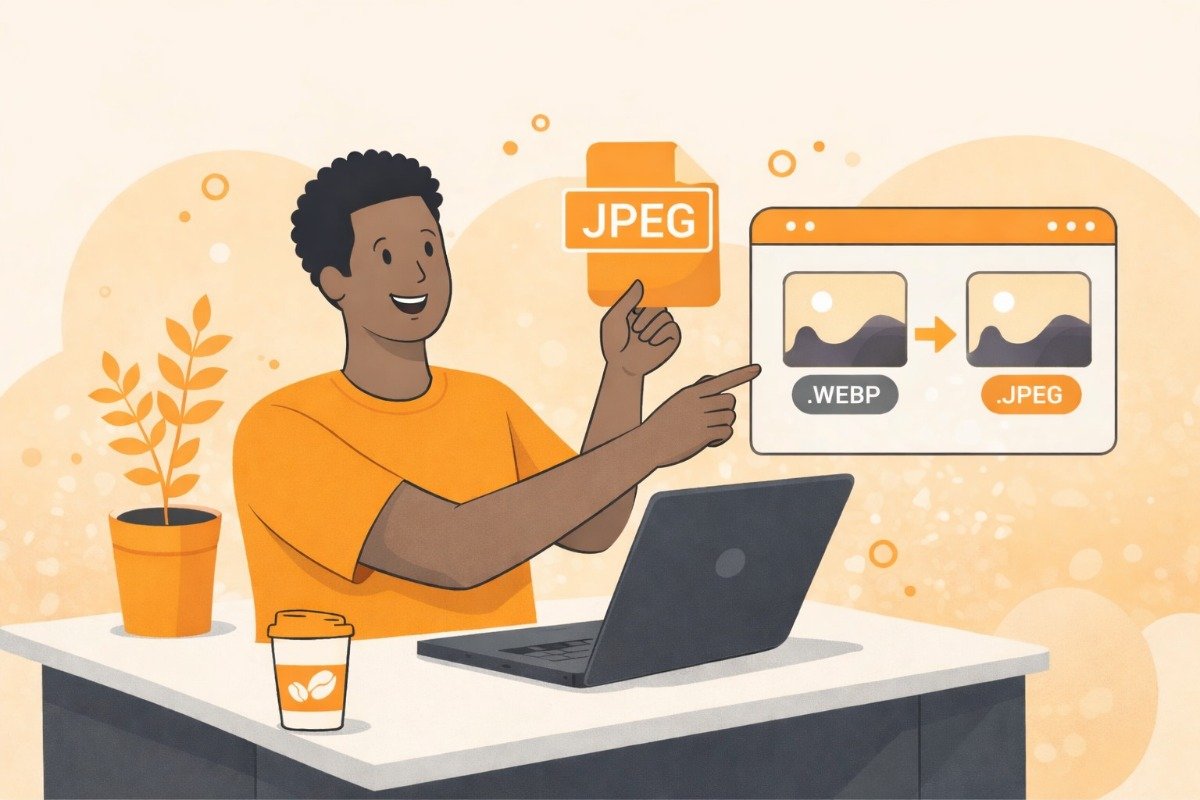
What is WebP to JPEG Conversion?
WebP to JPEG image conversion is a process where an online/offline tool converts an image from .webp format to .jpeg format. This process works by converting the image from webp to jpeg while keeping the image the same by also giving it the characteristics of JPEG, such as wide acceptance and compression, meaning the image will be the same as before but can be supported by world wide systems since JPEG launch on 1992, and the size will be smaller since jpg is an lossy compression format.
Why convert from WebP to JPEG?
Since WebP is a newer image format, older systems or software may not support that file, but webp is developed by Google in 2010 for making websites faster, so most of the website owners on the internet prefer to use WebP images since they retain quality also smaller in file size sutable for making websites with a lot of images load faster, which other formats like jpeg, png or gif cant perfrom.
Now, if you want to make your images a universally accepted format that is accessible and usable everywhere without any compatibility issues, then you should convert them to webp image.
What is compression?
Compression is a process where your images will be the same, but their file size will be smaller by reducing and merging codes and details from within the image that normal human eyes cannot see unless used extremely. Converting your WebP to a JPEG can already make the images smaller in file size, but if you want more compression or have a file size limit in some place where you are planning to upload that image file, then you can make them smaller by using an Image Compressor tool. These tools can reduce image size by merging details and codes from within the image that cannot be differentiated by normal human eyes.
How to convert WebP to JPEG for free?
Easily convert your WebP to JPEG with our free, hassle-free tool—no sign-ups required and absolutely no watermarks! Here’s how simple it is:
The first step is to upload one or up to 10 WebP images MAX 10MB each file size. To upload, drag and drop your files onto the “Drag & Drop up to 10 files” field. If you can’t drag and drop, you can click the “UPLOAD FILES” button instead. After the images are uploaded the "Convert" button will be visible just click on it and our tool will begin the conversion process.
After conversion, you can download individual images using the “DOWNLOAD” button or save time by clicking “DOWNLOAD ALL” to get a ZIP file with all your converted images. If you’d like to manually delete your files from our servers, click the button with the “Bin” icon. Otherwise, all uploaded images are automatically deleted within one hour for your privacy.
Then if you want to delete your images from our servers just click on the button with the "Bin" icon otherwise the images will be auto-deleted after 1 hour.
Need to convert more than 10 images? No problem! Simply repeat the process as many times as you need—there’s no limit to how often you can use our conversion tool.
Is converting WebP to JPEG safe?
Converting WebP to JPEG is completely safe, especially when you use a trusted site like webp2jpeg.com. Our site uses advanced image conversion methods to ensure that your images retain their original quality while keeping the file size low, so you don’t have to worry about losing any details during the conversion process.
We also prioritize your privacy and security by automatically deleting your uploaded files from our servers within one hour of upload, ensuring that your data remains private and secure. With webp2jpeg.com, you can confidently convert your images, knowing they are handled with care and precision.